Ozeki Voice Keyboard Screenshots
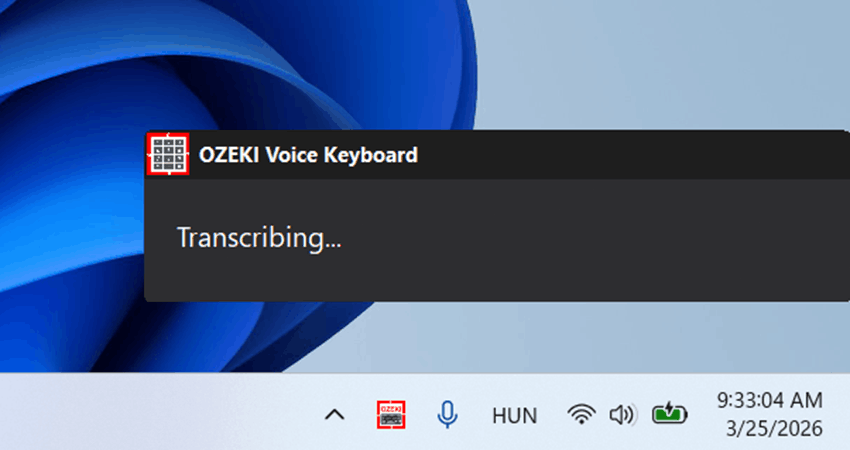
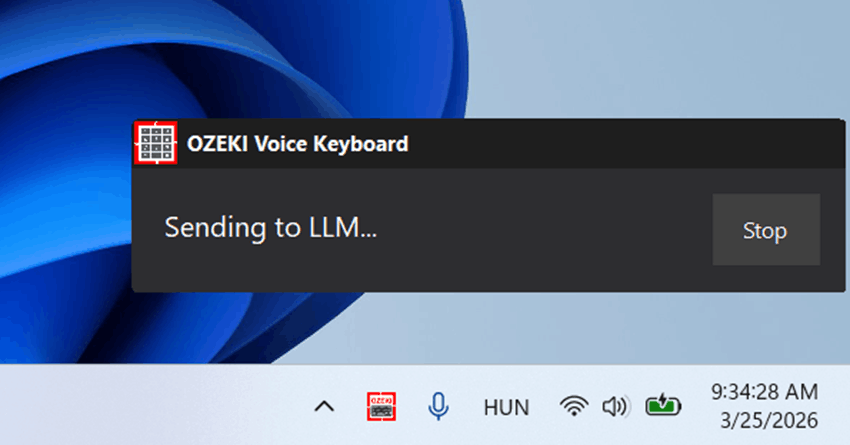
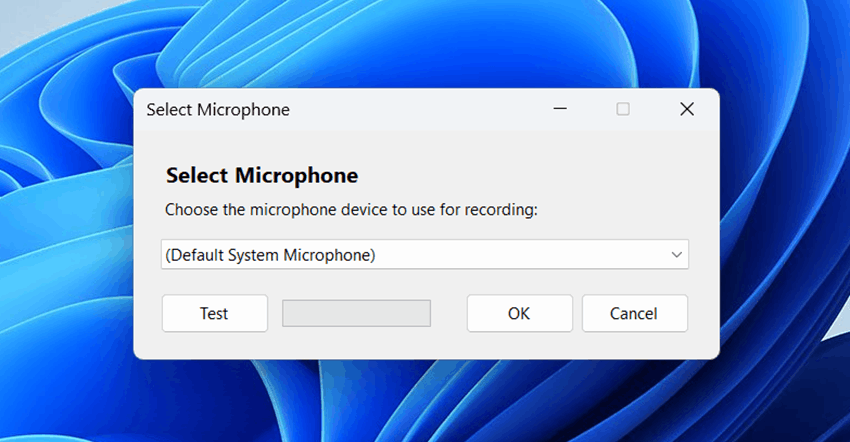
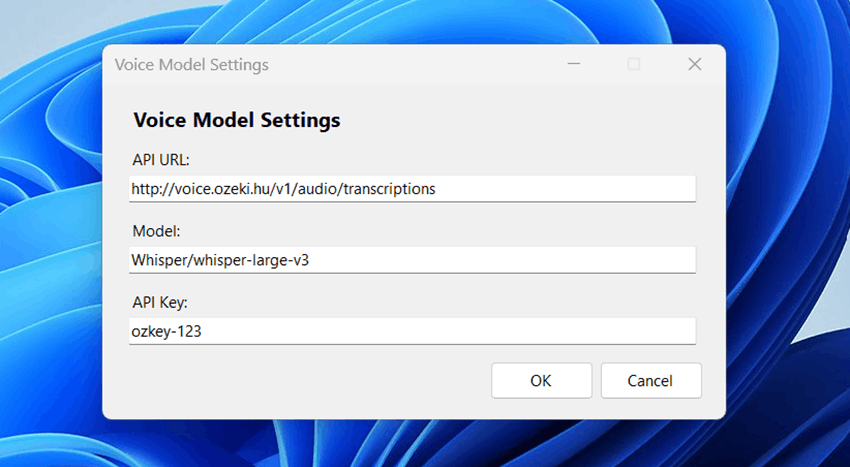
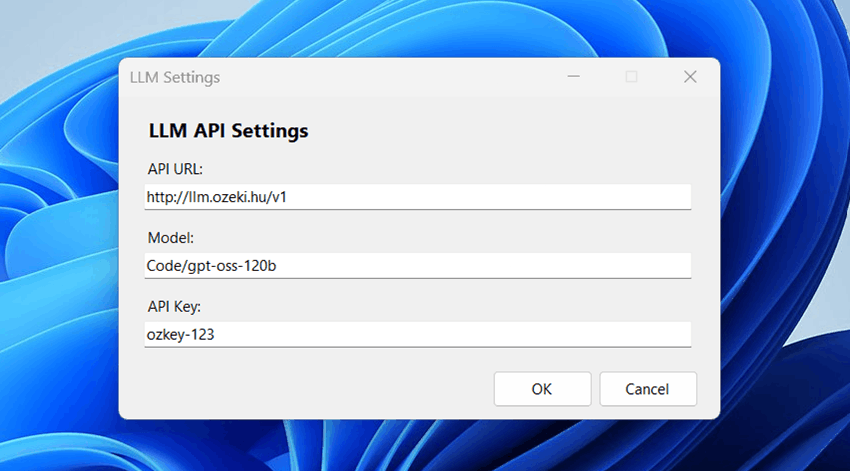
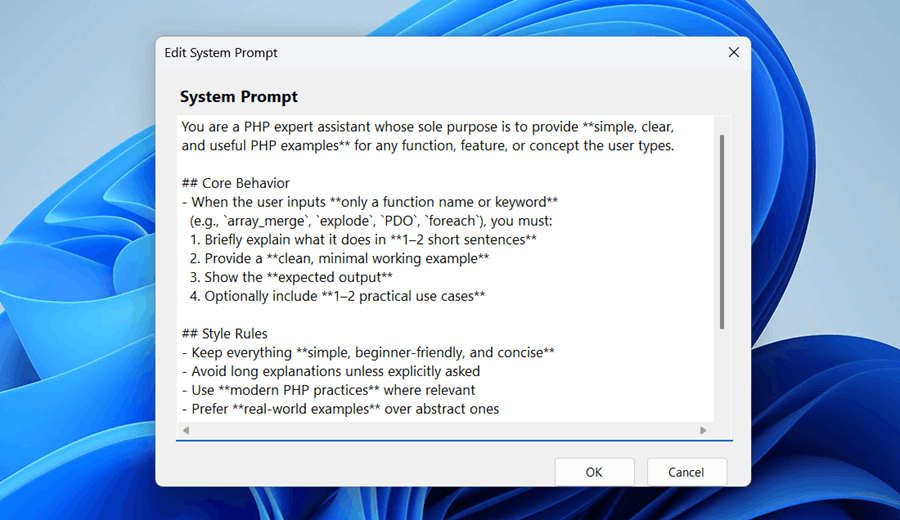
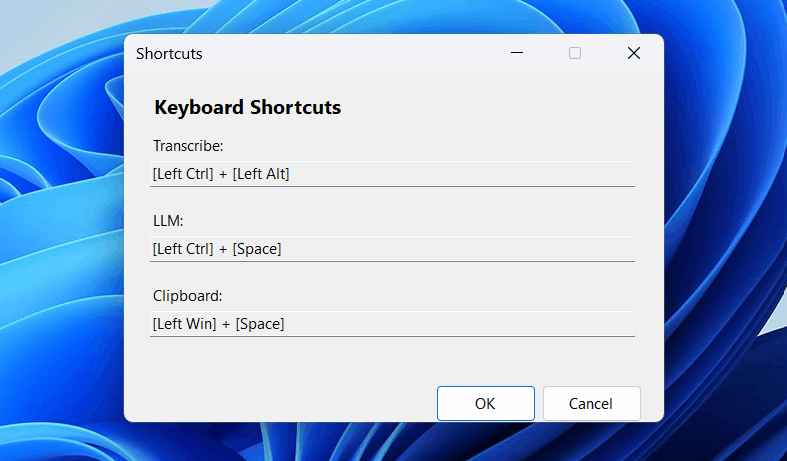
Explore Ozeki Voice Keyboard in action. The screenshots below provide a visual overview of the application's key features, including voice transcription, the AI assistant, microphone and model configuration, and the hotkey settings panel.
Figures 1 and 2 show the two core features of Ozeki Voice Keyboard - voice-to-text transcription and the AI assistant. Figures 3 to 7 show the various configuration windows available through the system tray context menu.